Screenshots
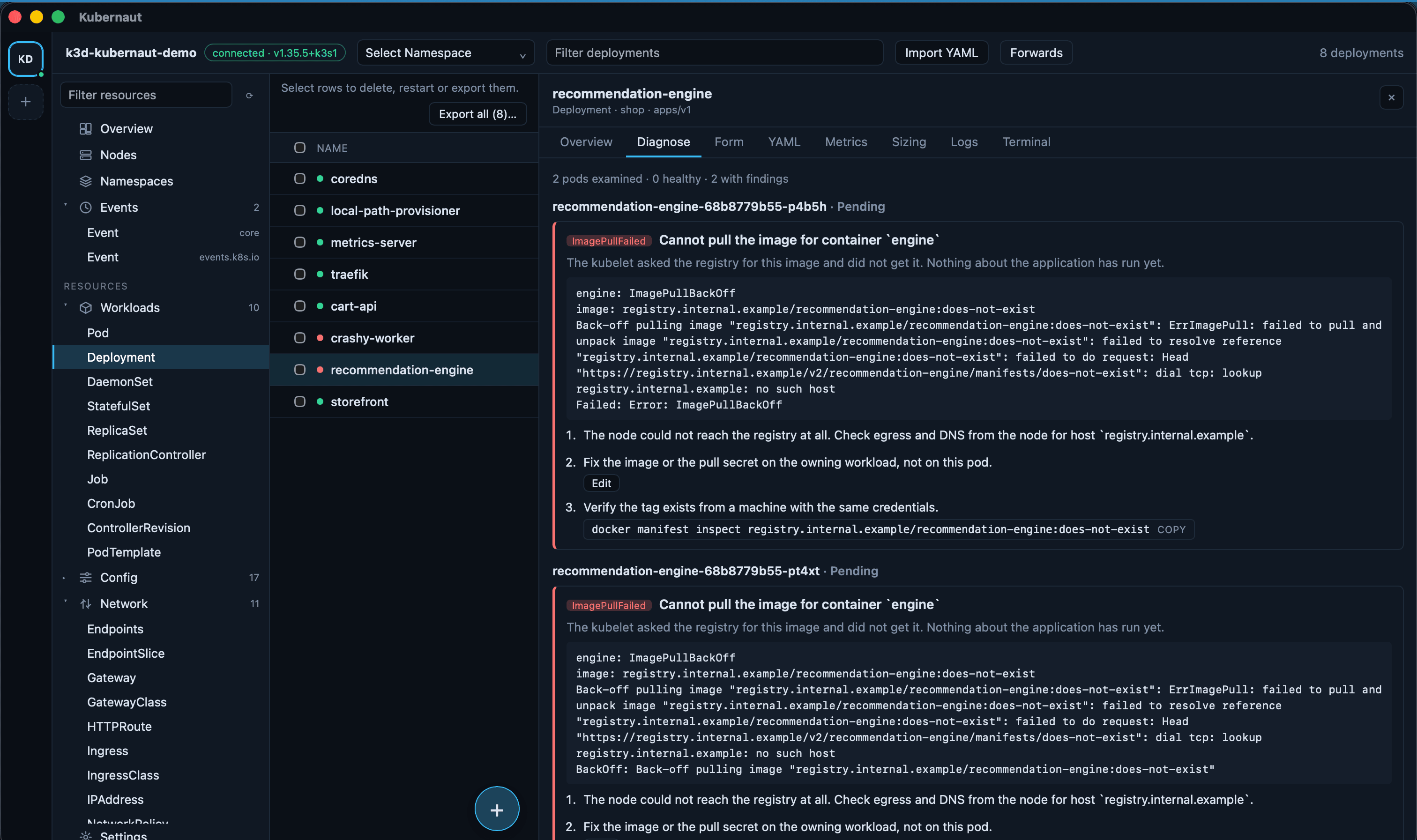
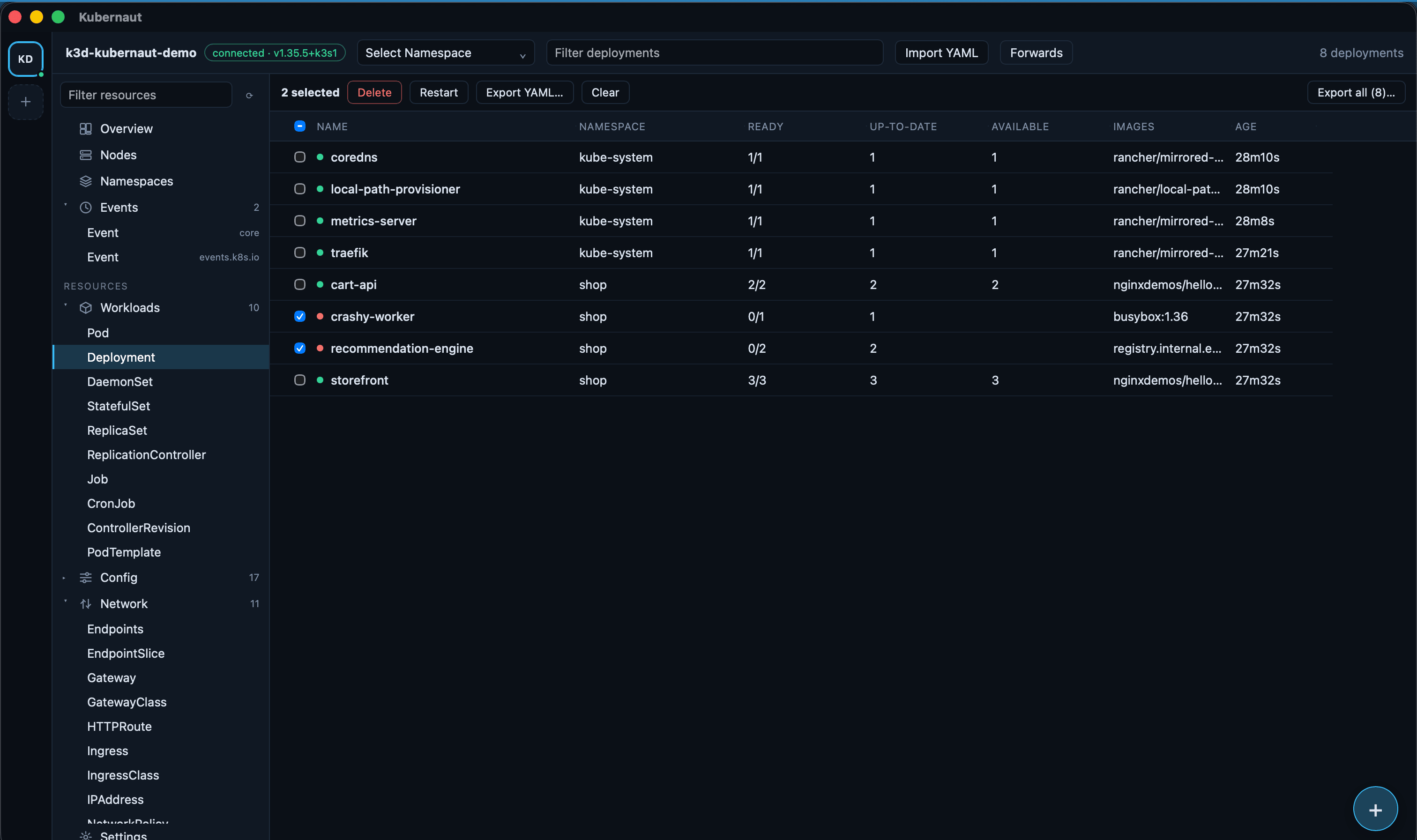
Taken against a local k3d cluster, not a real one — every name in these images is invented.
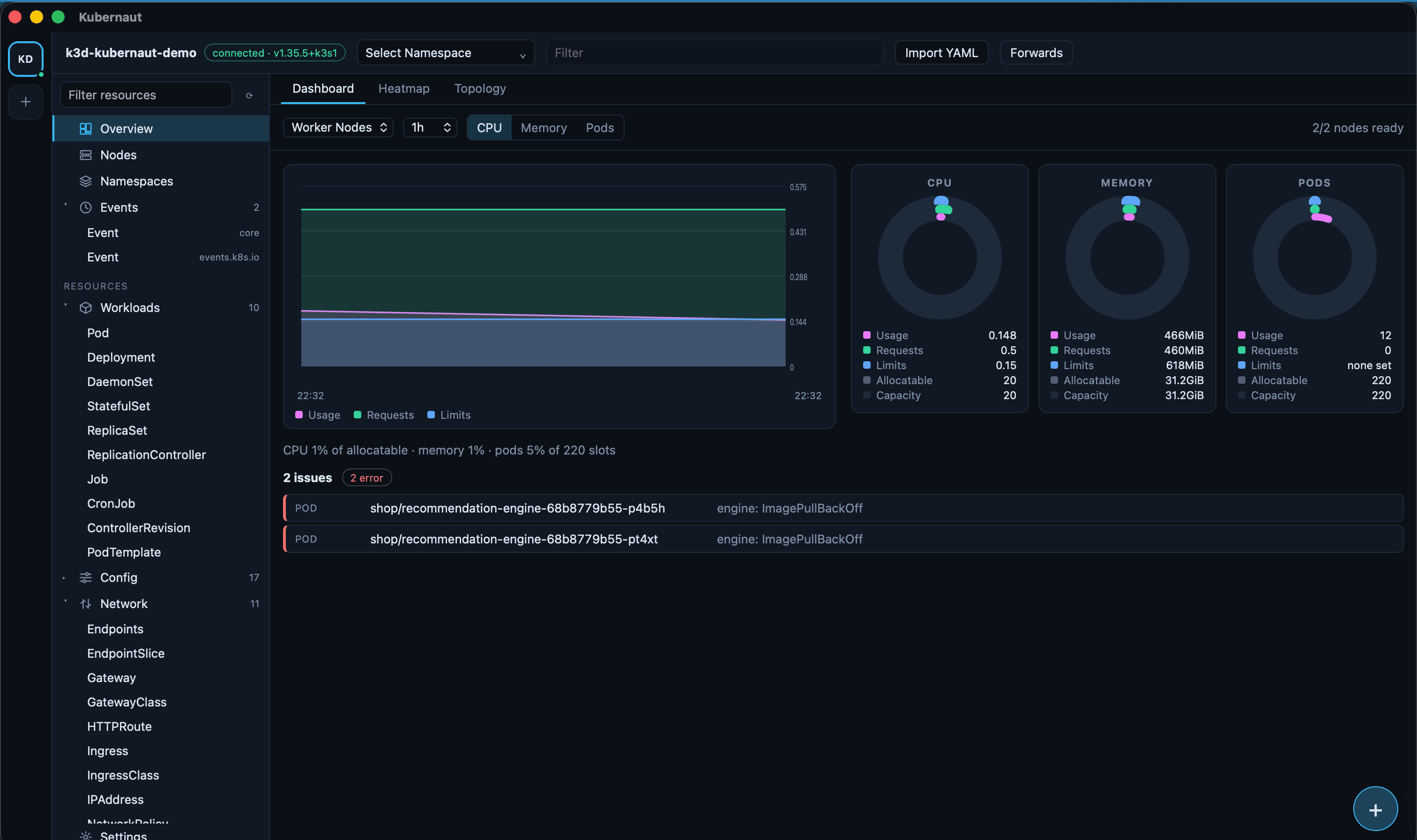
ImagePullBackOff pod put there itself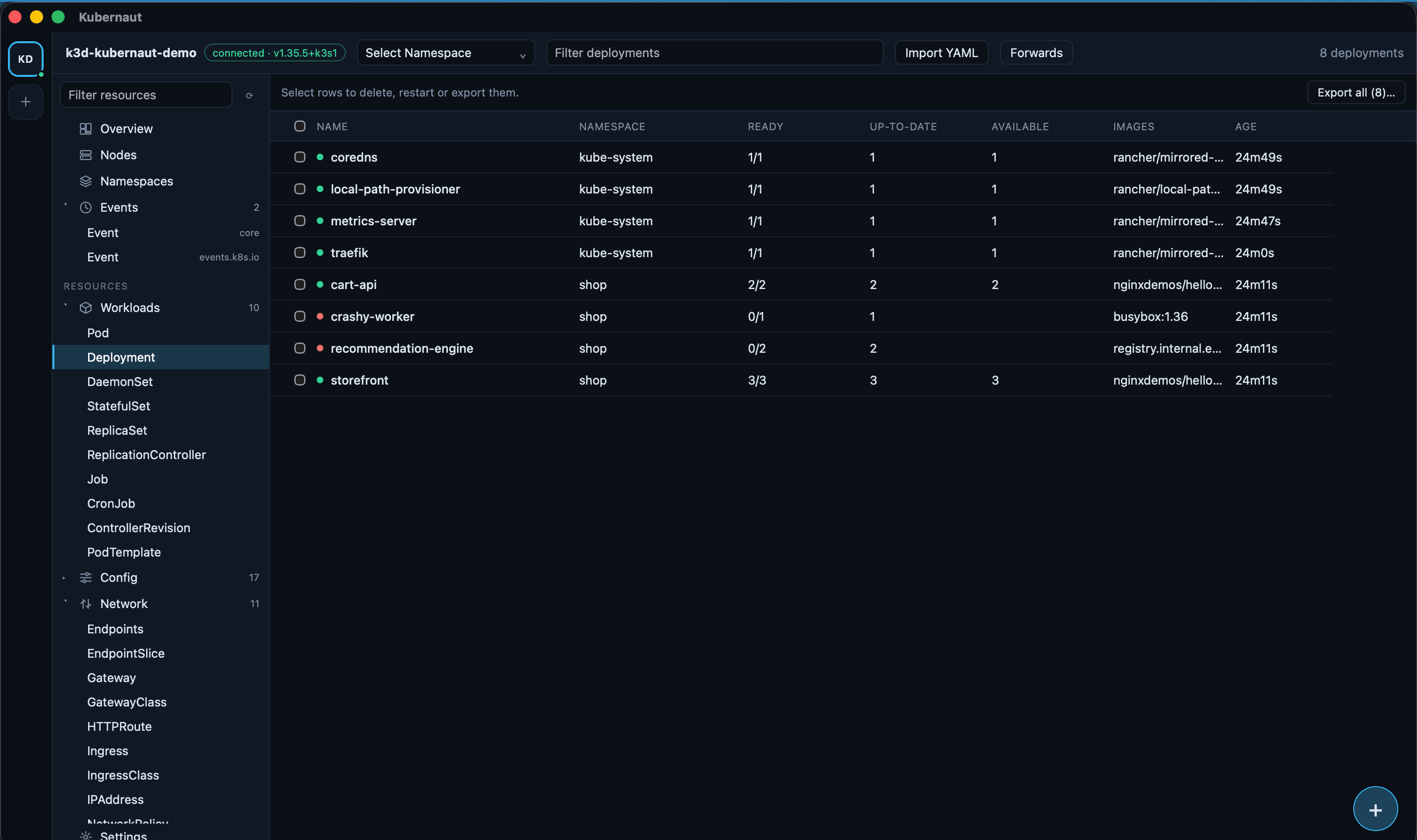
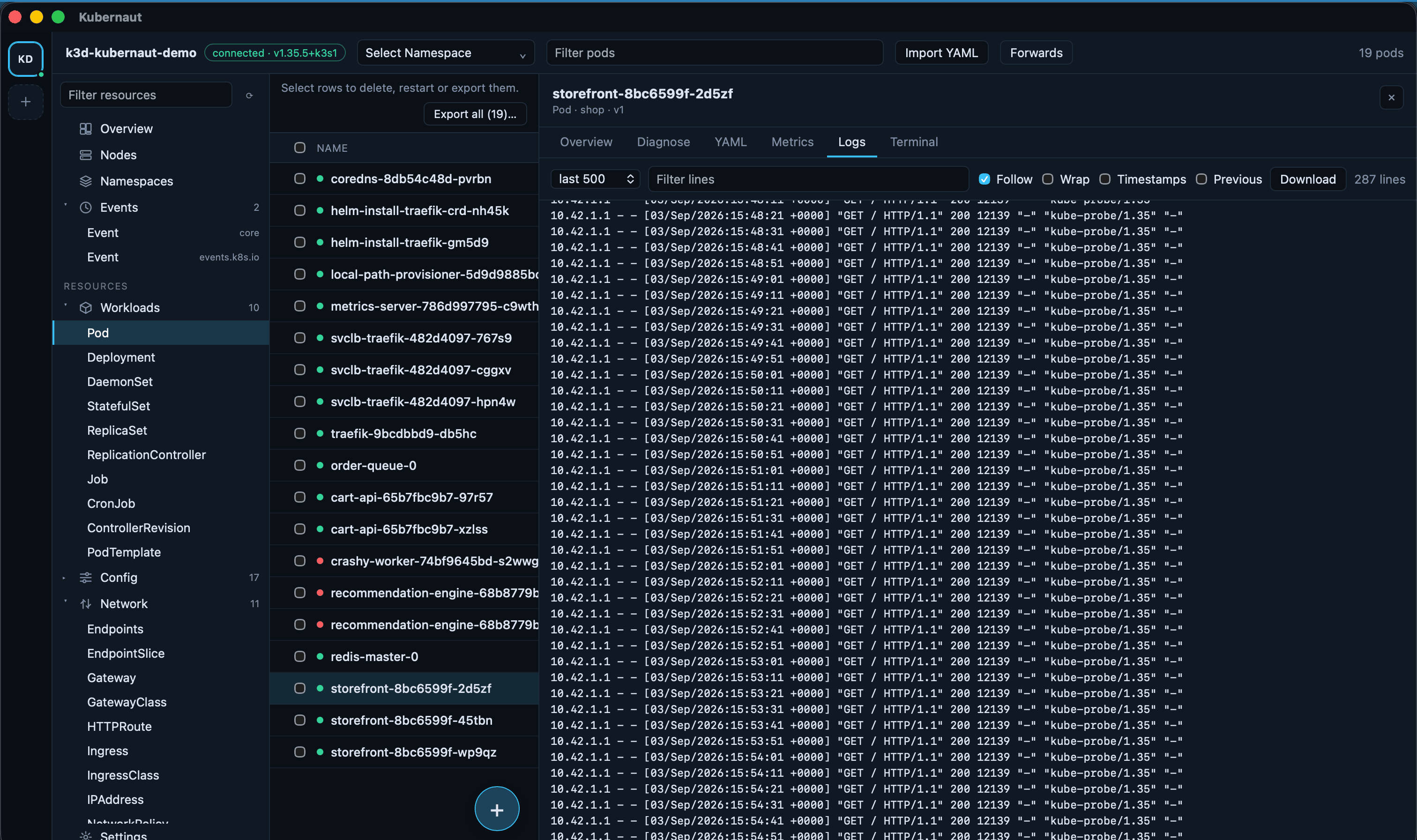
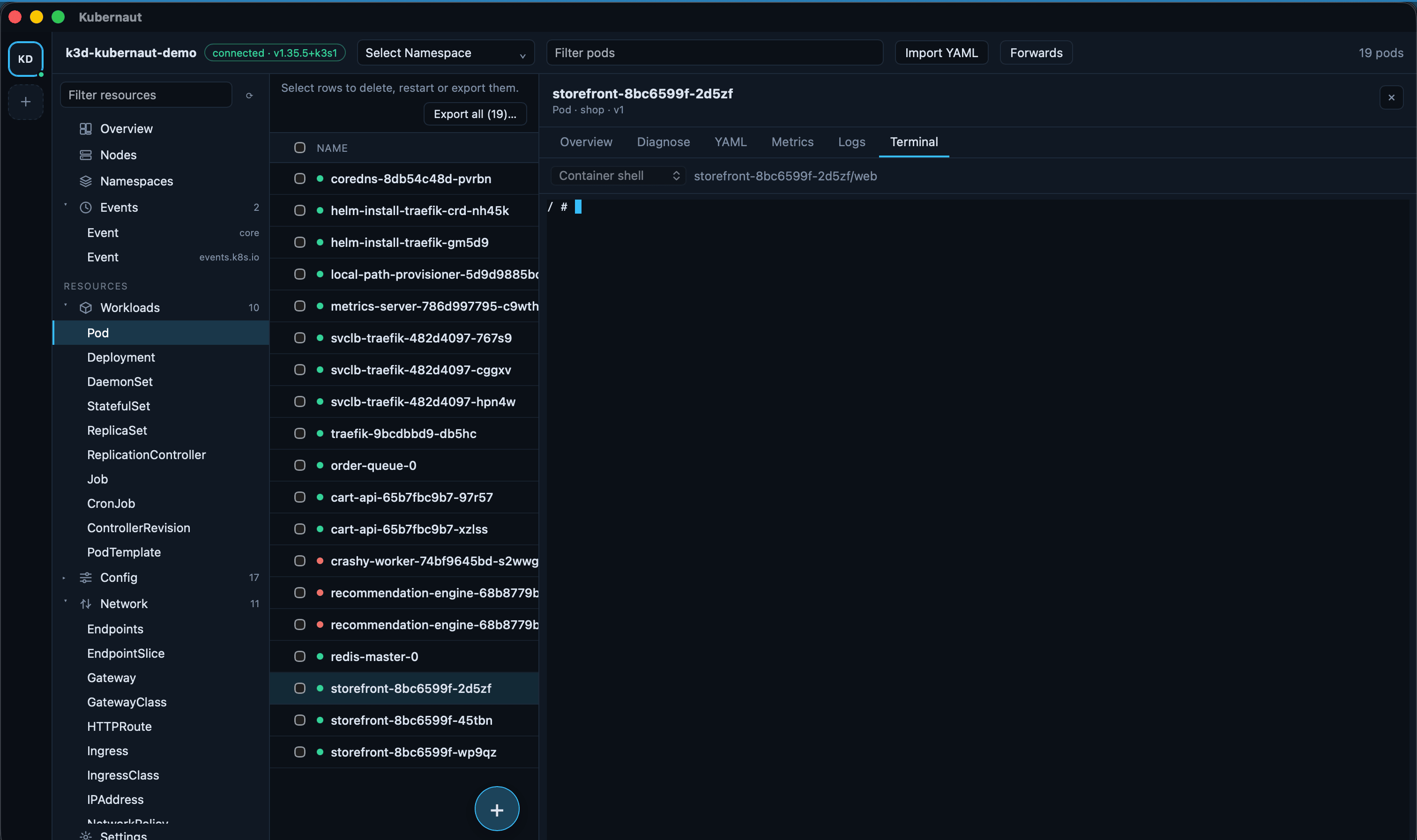
A multi-cluster Kubernetes desktop app for macOS, Windows and Linux. Rust core, no telemetry, starts with no clusters connected.
Kubernetes GUIs tend to break one of two ways: they hold the entire object list in the
frontend and choke on a large cluster, or they read ~/.kube/config on launch
and put every configured cluster one click away, production included. Kubernaut keeps all
cluster state in Rust — the UI only ever asks for a page or subscribes to a delta stream —
and starts with no clusters connected; every one is added explicitly.
Taken against a local k3d cluster, not a real one — every name in these images is invented.
ImagePullBackOff pod put there itself
Contexts added explicitly, lazy health-probed connections, protected contexts that refuse destructive actions outright.
Full API discovery including CRDs, virtualised tables, row selection, a fuzzy command palette across clusters.
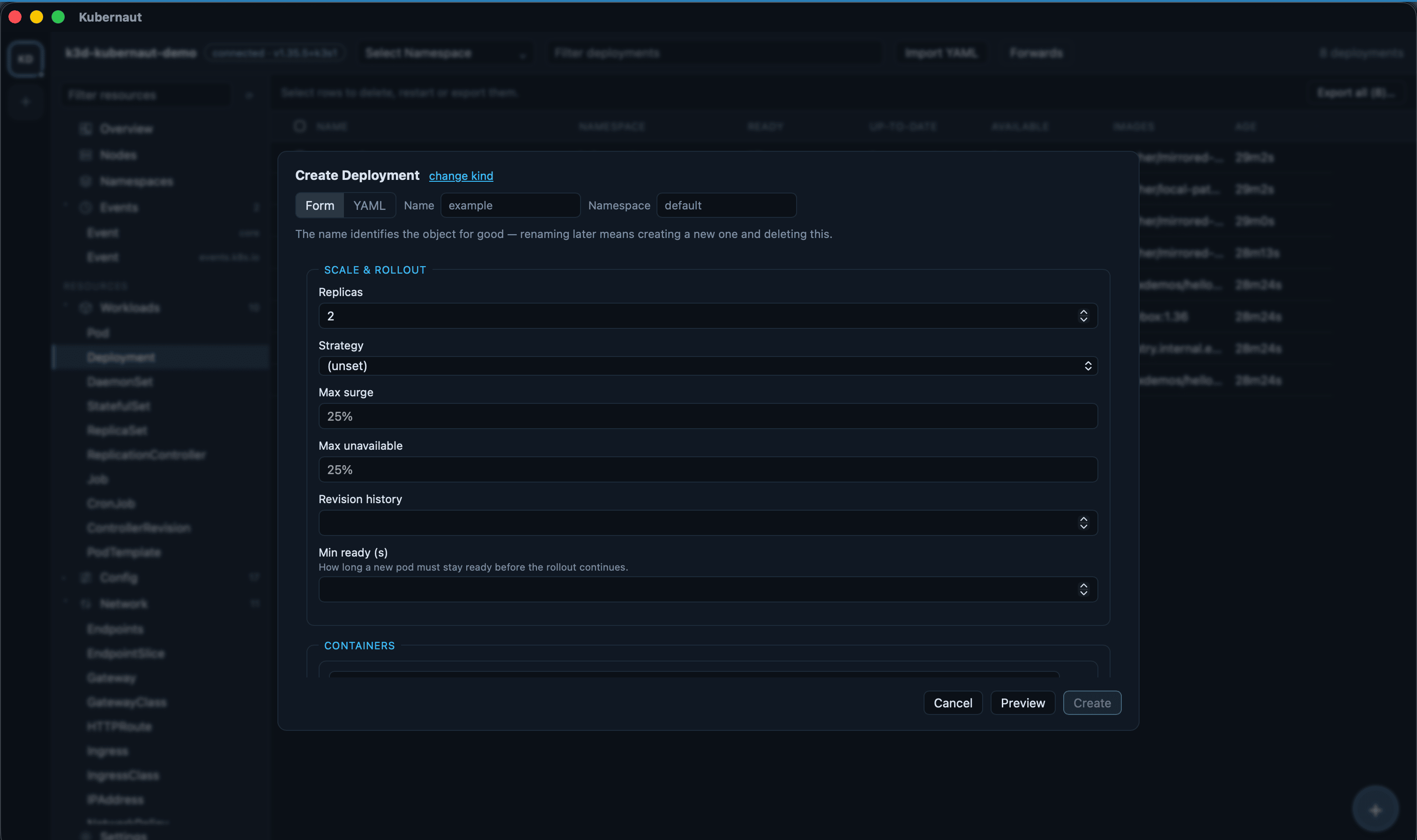
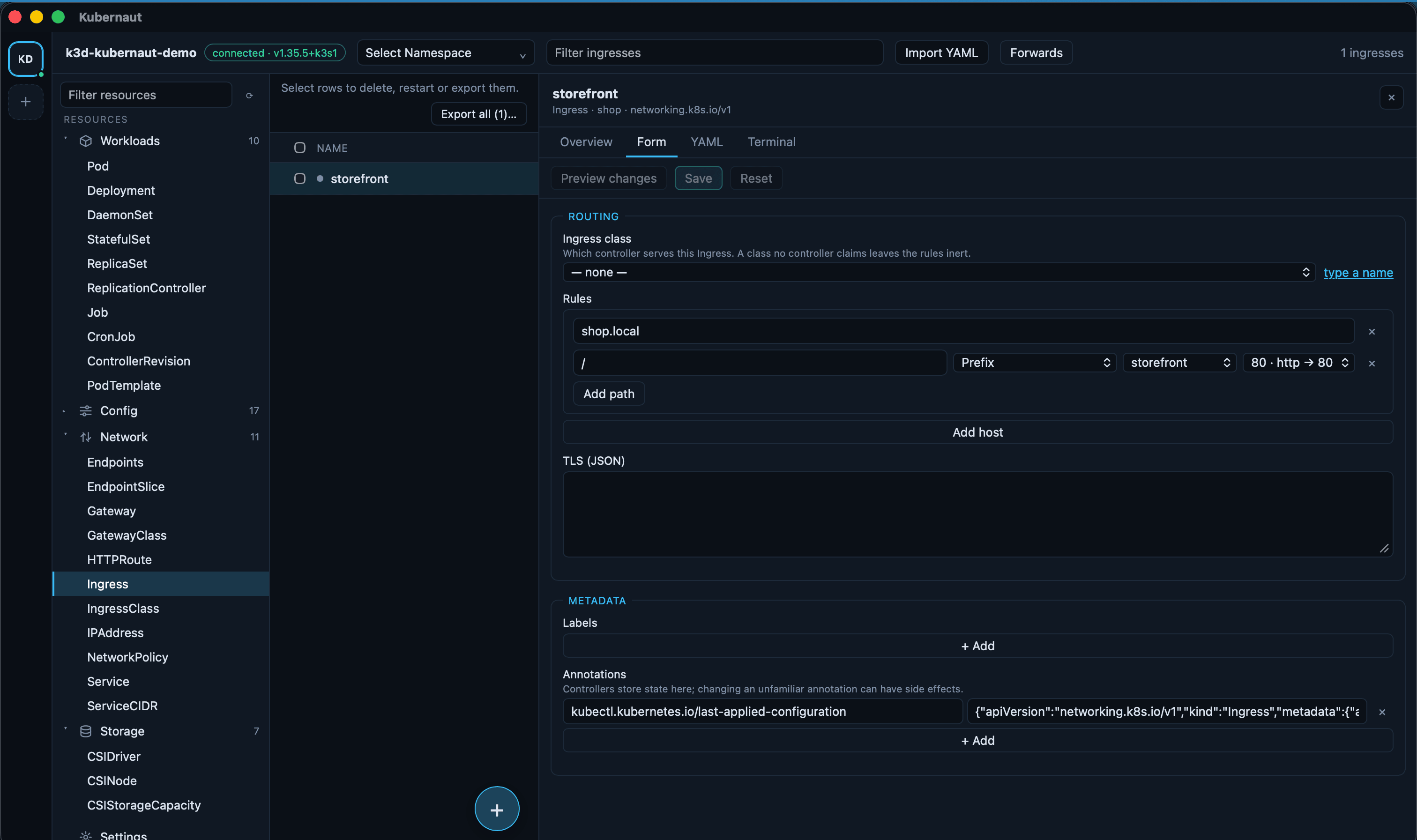
Form or YAML with a real cluster-side diff before anything applies; reference fields read from the cluster, not typed.
Reads a pod's status the way a human would — quotes the cluster, not a guess — with a next step straight into logs or a shell.
Multi-pod log tail, four terminal modes, port forwarding bound to loopback by default.
Cluster gauges, namespace heatmap, sizing recommendations, and an Ingress → Service → Pod → Node graph.
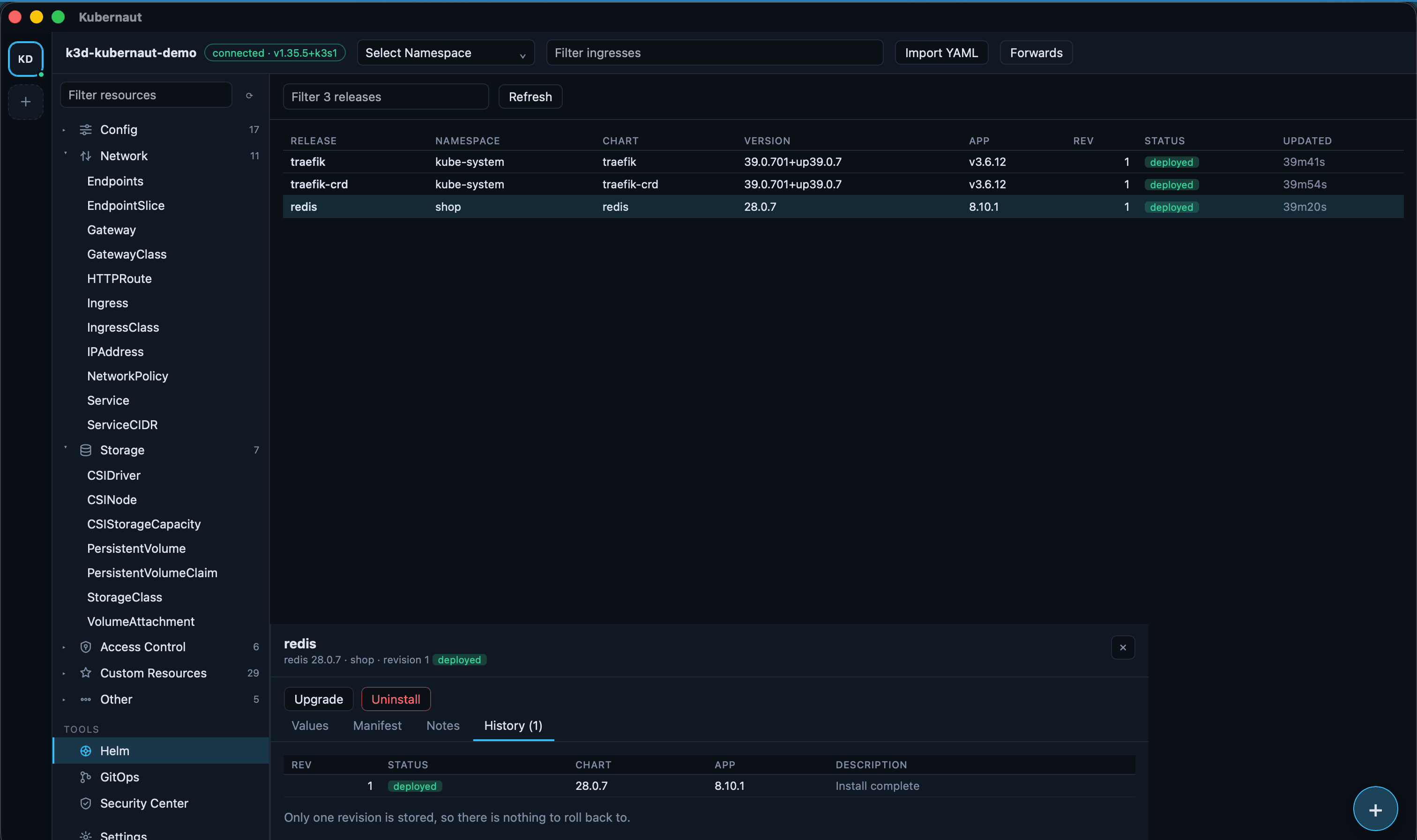
Every release read straight from the cluster's own Secrets, with a real pre-upgrade diff.
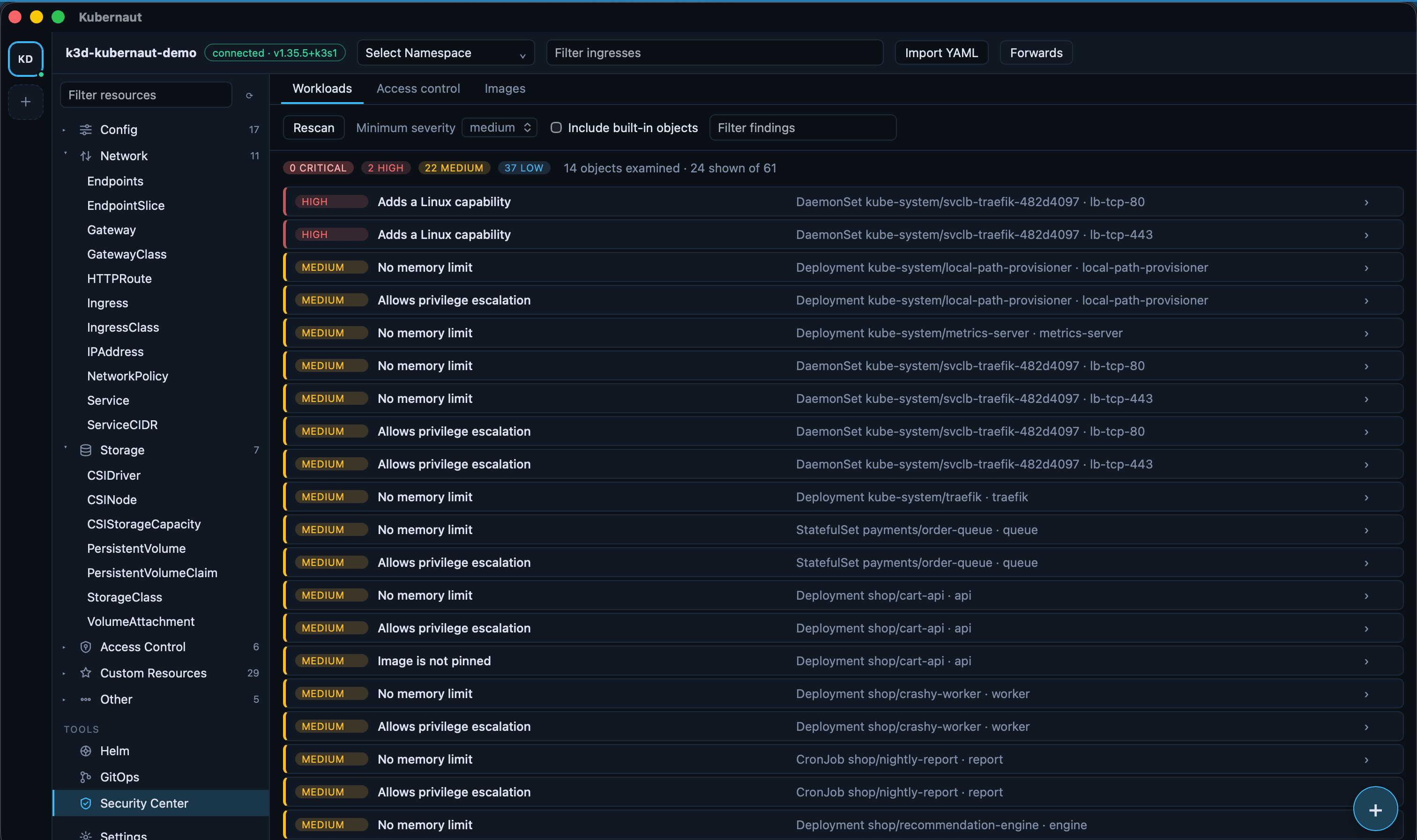
Workload posture checks, RBAC analysis, and image CVEs — no scanner required.